Get Marketing Insights First
Subscribe to receive actionable strategies, growth tips, and industry insights delivered straight to your inbox.

I spent four months asking myself what 3D printer I should buy before I spent a single dollar, and the honest answer is uncomfortable: it depends on whether you want a hobby or a tool. If you want a tool that turns a sliced file into a part while you do something else, buy a Bambu Lab A1 or P1S and stop reading reviews tonight. If you want to understand machines, a cheap open-frame kit teaches you more per dollar than anything premium ever will. Before you narrow anything down, it helps to know how the best 3D printer overall gets judged, because the criteria barely change whether you spend two hundred dollars or two thousand.
List the three things you plan to print in month one: a phone stand, a replacement dishwasher knob, a fourteen-hour articulated dragon. That list beats any spec sheet ever printed. Fine miniatures push you toward resin, load-bearing brackets toward a rigid FDM frame, and multicolor toys toward a filament changer. The machine should follow the job, never the reverse, and most disappointing purchases begin with someone shopping for a printer instead of for an outcome.
Three tiers behave almost nothing alike. Under $250 you are buying a learning platform with genuine maintenance homework attached. Between roughly $300 and $600, reliability per dollar peaks, and that is where most people should shop. Above $1,000 you are paying for speed, an enclosure, and multi-material handling rather than dramatically better surface finish on everyday functional parts.
Here is the line item most buying guides skip: your own hours. A cheap machine that eats three hours a week is not really cheaper than a $700 machine that simply runs, at least not if your evenings carry any value. I keep a notebook of every failed first layer, and the pattern was embarrassing: nearly all of them traced back to a greasy build plate or a spool left open for a month.
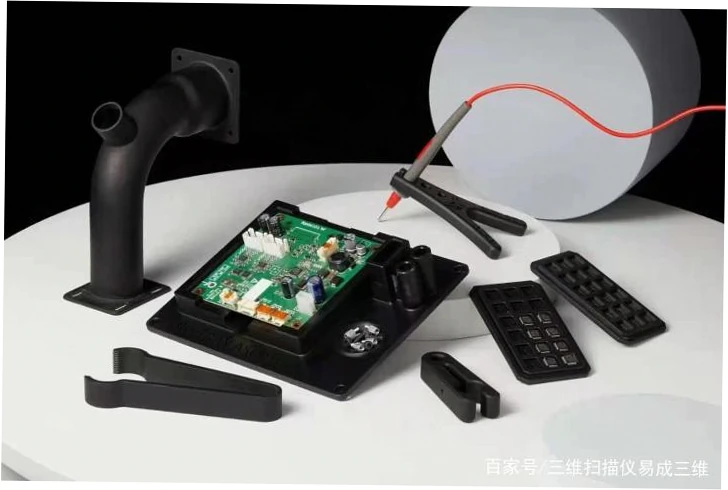
At this price you get an open-frame machine, and the bed slinger vs CoreXY distinction matters most here, because a moving bed is cheaper to build and slower to accelerate. These machines made an entire generation of hobbyists genuinely competent. What they are not is an appliance. Buy one only if a two-hour calibration session sounds like an evening well spent rather than an evening stolen.
This band is where I send friends who want to print rather than fiddle. You get an automatic bed mesh, a removable spring-steel sheet, decent part cooling, and a hotend that handles common materials without drama. Spending here also opens the material question seriously, since a hardened nozzle and a heated chamber unlock far more of the plastic and polymer printing world than any frame upgrade ever will.
Owners of budget machines rarely regret the purchase itself; they regret the arithmetic afterwards. A $200 frame plus an all-metal hotend, a better mainboard, a filament sensor, and a second build sheet lands near $400, and you still have the original frame underneath. That does not make cheap printers bad. It makes them a hobby purchase, and hobbies are allowed to cost money. Just know which one you are buying.
| Primary goal | Time per week | Sensible direction | Skip it if |
|---|---|---|---|
| Download and print | Under 2 hours | Enclosed machine with automatic calibration | You enjoy weekends of tuning |
| Learn how printers work | 5 hours | Open-frame kit with community firmware | You need finished parts tonight |
| Sell printed goods | Structured batches | Two reliable machines, not one great one | You cannot tolerate downtime |
| Multi-color display pieces | Moderate | Filament changer with purge management | You hate wasting material |
This is the argument that turns friendly hobbyists into strangers at maker meetups. A locked-down machine with a polished app, tuned profiles, and a camera you can watch from work wins the practical comparison almost every time. The counter-argument is that you do not own the tool, you license it. Both positions are defensible, and deciding which one you hold is the biggest fork in this road. If you want the shortlist instead of the reasoning, current best 3D printer picks have settled into a stable pattern.
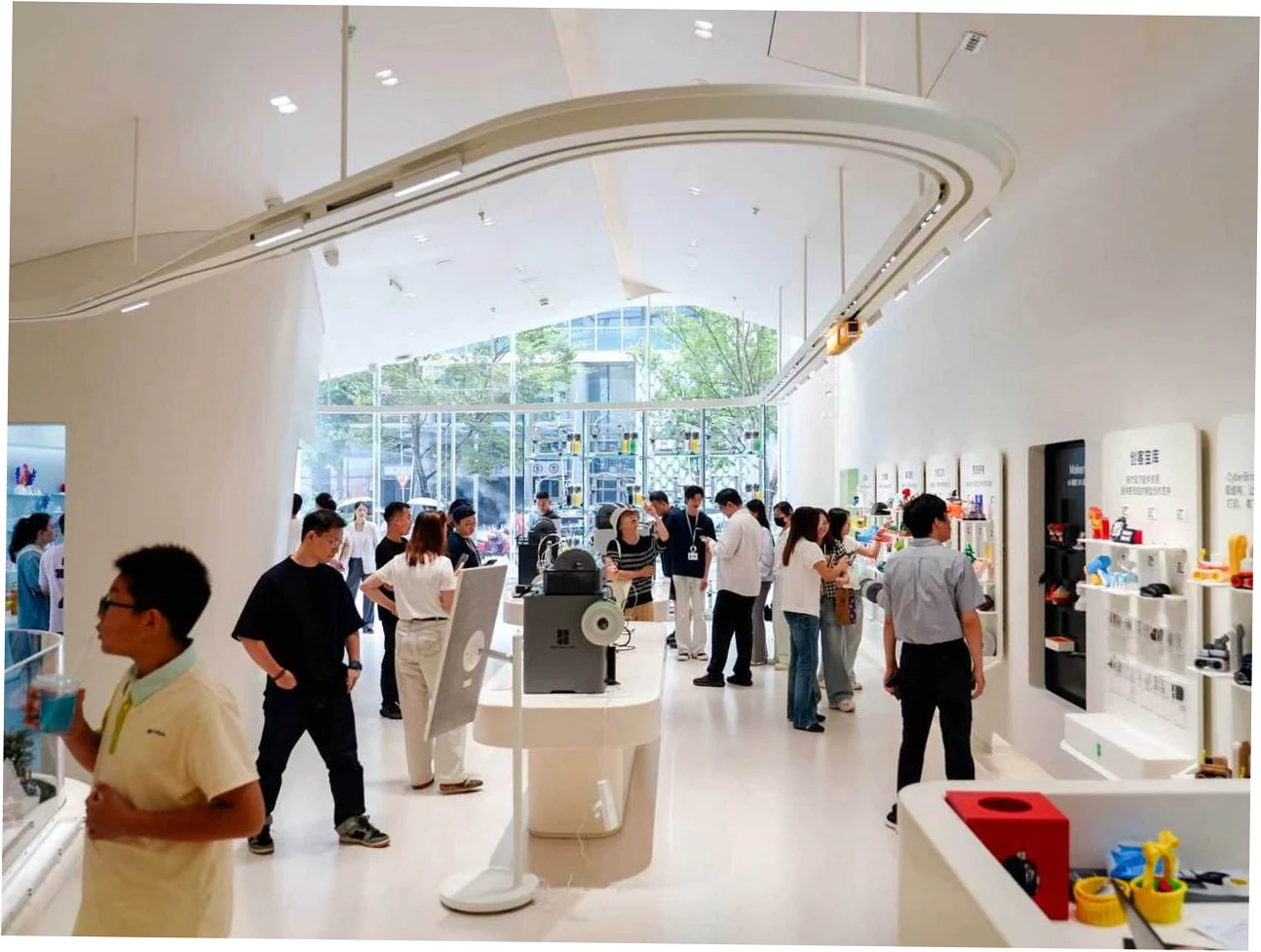
The pattern across thousands of owner reports is remarkably consistent. Machines with locked profiles and well-tuned slicers print well on day one and keep doing it. Open machines print well once you learn them, then reward you with parts you can swap for a few dollars. Prusa sits between those poles by charging more and being famously dependable, which is exactly why repair-shop habits rarely develop around them.
The commercial angle matters too. If you plan to sell printed goods, downtime costs revenue, and a single flaky machine becomes a business risk rather than a personal annoyance. Buy two mid-tier machines instead of one expensive one, keep spare nozzles on the shelf, and treat the second unit as insurance rather than luxury.
Vendor pages and owner experiences diverge in predictable places, and the gap is worth studying before you order. Headline specifications describe the best case; owners describe the average Tuesday. The table below condenses what I heard repeatedly from people who had lived with these machines for months rather than hours.
| Claim | Vendor and review framing | Owner reality |
|---|---|---|
| Prints perfectly out of the box | Factory calibrated, first print within minutes | Setup and profile checks usually add 30 to 60 minutes, and damp filament still ruins everything |
| Print speeds of 500 mm/s | Headline acceleration figures | Most owners settle between 150 and 250 mm/s to protect surface quality and part strength |
| Automatic leveling solves adhesion | No manual leveling required | First-layer failures still trace back to fingerprints, dust, and a slightly warped plate |
| Multi-color is plug and play | Four or more colors automatically | Purge towers waste real filament, and color swaps add hours to a tall print |
| Budget printers are unbeatable value | Full features for under $250 | Upgrade spending often exceeds the original purchase, and downtime is the hidden bill |
Almost nothing fails for the exotic reasons people fear. In practice, first layers lift because a plate is oily, hotends clog because filament absorbed humidity, and belts loosen because nobody checked tension after the first fifty hours. Nearly every failure I have chased personally came down to one of those three, not to a firmware bug or a defective control board. Suspicion is cheap; a clean plate is cheaper.
Read the fine print before you buy. Can you export standard G-code, or is slicing tied to one vendor’s cloud? Are nozzles and hotends standard sizes you can replace in an afternoon, or proprietary units on a slow boat from overseas? Knowing the printer parts and accessories market before ordering tells you whether the machine will still be serviceable in three years, which matters far more than launch-day reviews suggest.
Assume one in ten prints will fail even after you dial everything in, and that the failure rate climbs sharply with ambitious geometry and tall thin shapes. Check the return window and restocking policy before ordering, because shipping a fifteen-kilogram machine back is genuinely unpleasant. Keeping the original box for a month is boring advice that saves real money.
| Risk | What triggers it | Practical mitigation |
|---|---|---|
| Failed first layers | Oily plate, uneven mesh, cold room | Wash the sheet, re-run the mesh, move or enclose the machine |
| Clogged hotend | Wet or dusty filament, worn nozzle | Dry your spools, add a dust filter, keep a spare nozzle |
| Ecosystem lock-in | Proprietary filament or cloud-only slicing | Confirm standard G-code export before paying |
| Used-machine surprises | Worn extruder gears, bent rods | Inspect motion hardware in person and assume no warranty |
| Upgrade spiral | Buying the cheapest frame, then adding parts | Price the machine plus everything you already know you want |
Answer four questions in writing: what you will print, how many hours a week you will maintain it, whether you need an enclosure, and whether you need more than one color. Those answers point at one machine, or at two. Then buy it, print something small and boring first, and resist the urge to add upgrades to the same shopping cart. Regret usually comes from the cart, not the printer.
Six months in, most people either love it or sell the machine, and both outcomes are perfectly fine. Hobbyists branch into multi-material printing, faster motion systems, and eventually larger equipment. If you ever move from one desktop machine into actual production, industrial 3D printing equipment is a different purchasing world with different rules, lead times, and support expectations. Start small, then let the work tell you what to buy next.
No. Quality on everyday functional parts is dominated by slicer profile, filament dryness, and bed preparation rather than price. A well-tuned $300 machine regularly out-prints a neglected $1,200 one. What extra money buys is speed, an enclosure, multi-material capability, and a lower chance that you spend Saturday repairing instead of printing.
For out-of-the-box convenience, owners overwhelmingly say yes, and that convenience is not marketing. It is tuned profiles and a tight loop between hardware and software. Prusa wins on repairability, documentation, and long-term trust for people who intend to keep one machine running for a decade. Choose convenience or choose control, then stop trying to have both.
Not inspecting motion hardware. Extruder gears wear, rods bend, and a machine stored in a garage may carry corrosion no photo reveals. Ask for total print hours, test it in person, and assume no warranty applies. If the price looks too good, the seller probably already knows what is wrong with it.
Partly. Motion and hotend upgrades genuinely improve capability, and the troubleshooting skill you gain is worth real money later. But the frame, the power supply, and the electronics hit ceilings first. The cheapest sensible path is usually buying the better machine up front, then upgrading only what a specific failed print justifies.
Budget roughly twenty to forty percent above the sticker price during year one for filament, a drying solution, spare nozzles, and at least one extra build sheet. Add more if you print daily or sell what you make. Electricity is negligible; consumables and your own time are where the money actually lives.
It can be, with one honest caveat. Printing is accessible; designing is a steep second skill. A retired teacher I swap tips with prints happily every week but found CAD far less enjoyable than she expected. If you mainly want to download and print, buy a machine that works out of the box and postpone the design ambitions until curiosity drags you there.
Then buy the cheapest reliable machine you can find and treat the first three months as tuition. Almost nobody’s first printer is their last, and the second purchase is always smarter because you finally know what you actually make. Being wrong about a $250 machine is a far cheaper mistake than being wrong about a $1,500 one.