Get Marketing Insights First
Subscribe to receive actionable strategies, growth tips, and industry insights delivered straight to your inbox.

After years of testing and breaking more than a dozen printers, I can tell you that what to look for in a 3d printer comes down to three non‑negotiables: a rigid motion system, a hotend that matches your materials, and a support ecosystem that won’t leave you stranded. If you want the best model recommendations, the best 3d printer guide covers that. But for the selection criteria that actually matter, keep reading.
The 3D printing community is polarized. Some swear by cheap bed slingers as learning tools, while others insist on a hassle‑free CoreXY right out of the box. Having owned both types, I can say the truth lies in your tolerance for tinkering. A printer is a tool, not an appliance. The moment you accept that, your buying criteria become much clearer. Let’s break down the specs that actually affect your daily prints.
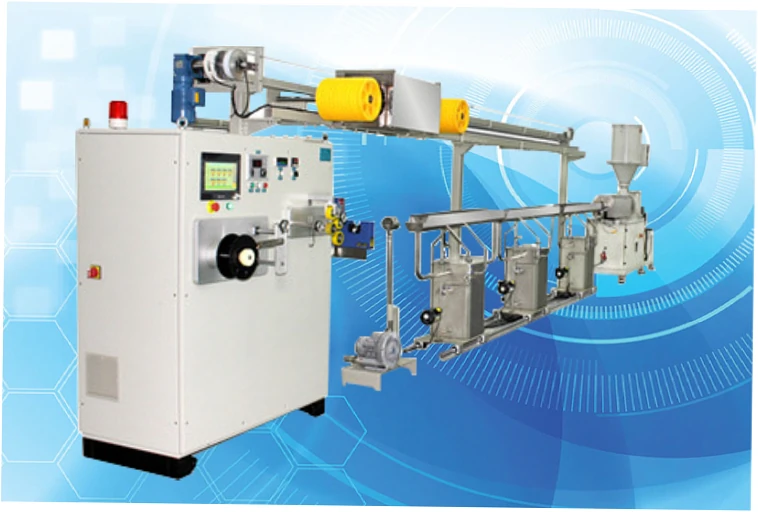
Your printer’s motion system determines how fast and how accurately it can move the print head. It also dictates the maximum acceleration before you get ringing or layer shifts. Build volume, on the other hand, sets the physical limits of what you can produce in one piece. Both factors are intertwined with frame rigidity and the quality of linear motion components.

Bed slingers move the print bed forward and backward while the extruder moves side to side. They are simple, affordable, and often produce excellent prints at moderate speeds. However, the moving mass of the bed limits acceleration and can cause wobble on tall prints. CoreXY machines keep the motors stationary and move a lighter toolhead, enabling faster, more stable prints—especially for tall or functional parts. If you plan to print large, heavy objects at speed, CoreXY is the safer bet.
| Feature | Bed Slinger | CoreXY |
|---|---|---|
| Cost | Lower ($150–$400) | Higher ($500–$1500) |
| Print Speed | Moderate (60–150 mm/s) | High (150–500 mm/s) |
| Accuracy at Height | Decreases with tall prints | Consistent |
| Upgrade Potential | High (open source) | Moderate to high |
| Footprint | Larger for same volume | More compact |
For beginners, the trade‑off is real. A bed slinger like the Ender 3 can teach you the fundamentals for under $200, but you’ll spend hours tuning belt tension and eccentric nuts. A CoreXY like the Bambu Lab P1S costs more but works out of the box. The community consensus is clear: if you want to learn the ins and outs of 3D printing, start cheap. If you just want to print models, pay for convenience.

Manufacturers love to advertise massive build volumes, but the usable area is often smaller due to bed adhesion issues at the edges or limited heated bed coverage. For cosplay helmets, a 300 × 300 × 300 mm volume is a practical minimum. For miniature painters, a 180 × 180 mm bed is plenty. Consider what you’ll actually print in the first six months. Buying a huge printer for one project usually leads to regret once the novelty fades and you realize how much space and filament it consumes.
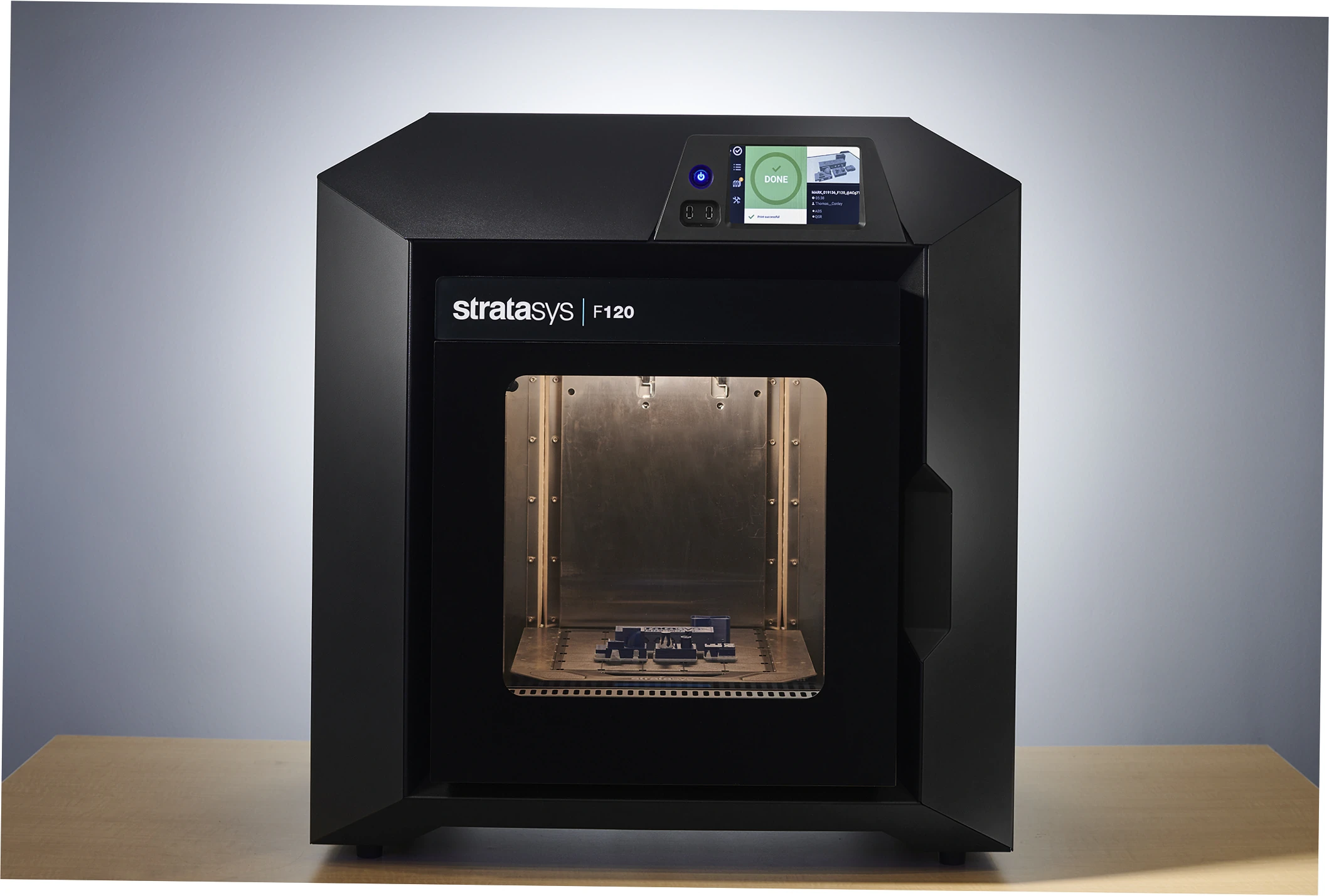
A flimsy frame will flex under acceleration, ruining print quality no matter how good your slicer profile is. Look for aluminum extrusions, dual Z‑axis screws, and rigid gantry plates. Steel or thick aluminum frames resist vibration better than acrylic or thin sheet metal. If you want to print faster than 150 mm/s reliably, frame rigidity becomes non‑negotiable. Many budget printers claim high speeds, but their frames can’t handle the resonance without input shaping and a sturdy base.
If you’re upgrading an existing machine, quality 3D printer parts and accessories can transform a wobbly frame into a solid platform. Reinforced corner brackets, linear rails, and damper mounts are common upgrades that address rigidity issues without buying a new printer.
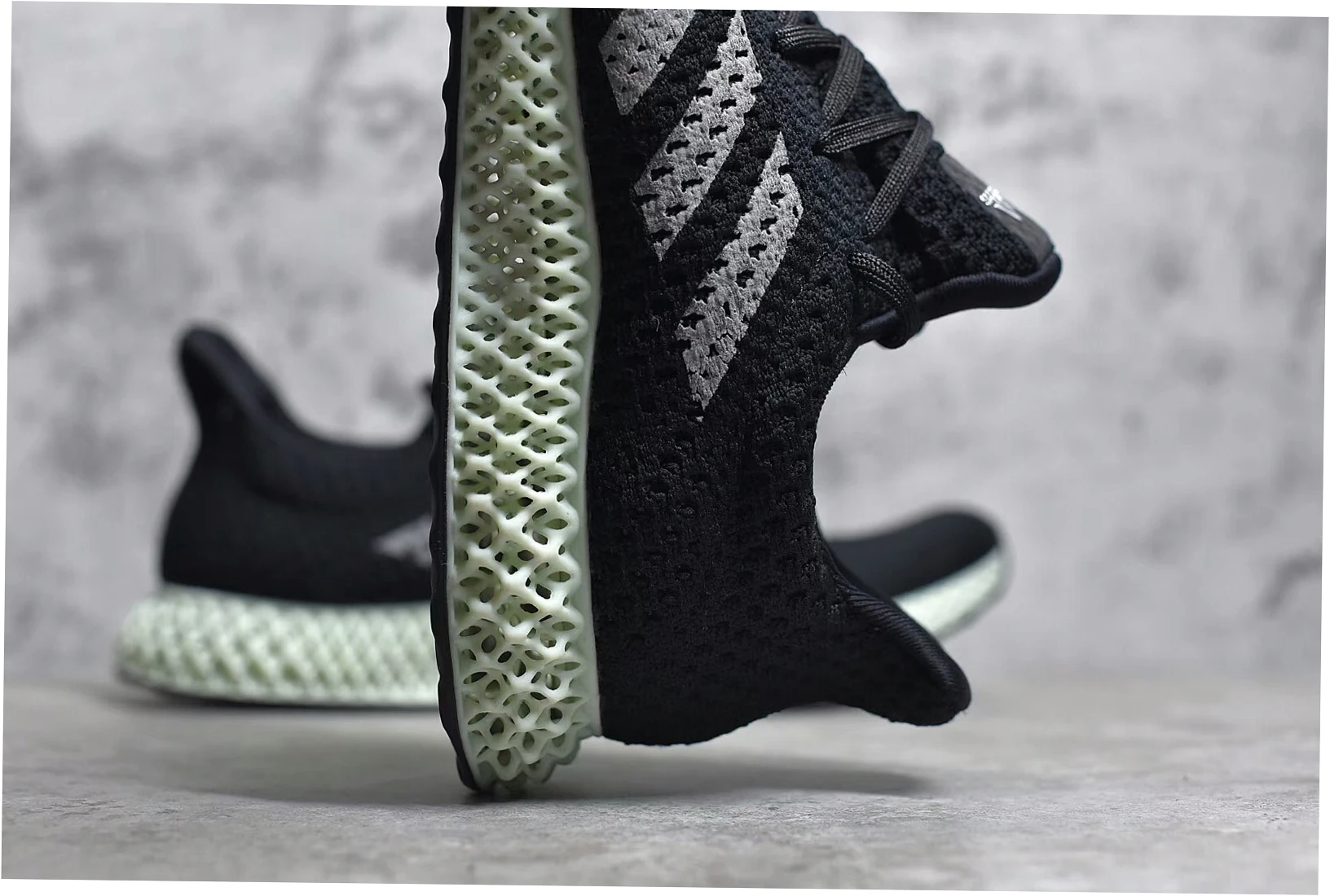
The hotend and extruder are the heart of your printer. They determine which materials you can print, how quickly you can melt filament, and how much maintenance you’ll face. Ignoring these specs is the fastest way to end up with a machine that can’t print the materials you bought it for.
Bowden extruders push filament through a long PTFE tube, reducing the weight of the toolhead and allowing faster movements. They struggle with flexible filaments like TPU and can be finicky with retraction settings. Direct drive extruders mount the motor right above the nozzle, giving precise control over retraction and excellent performance with flexible materials. The trade‑off is added weight, which can limit acceleration on cheaper motion systems. For most users, a direct drive setup is more versatile and easier to tune.
Standard brass nozzles wear out quickly when printing abrasive materials like carbon fiber‑filled nylon or glow‑in‑the‑dark PLA. Hardened steel or ruby‑tipped nozzles last far longer but cost more. If you plan to experiment with advanced composites, factor a hardened nozzle into your budget. Also check the maximum hotend temperature: 260°C handles PLA and PETG, but you need 300°C for nylon and polycarbonate. The choice of plastic and polymer 3D printing materials directly dictates your hotend requirements.
ABS, ASA, and polycarbonate warp badly without a heated chamber. An enclosure traps heat and keeps drafts away, which is essential for large, functional parts. Some printers come with enclosures; others require a DIY box or a grow tent. If you only print PLA and PETG, an enclosure is optional. But if you want to print engineering‑grade materials, it’s mandatory. Be aware that enclosures also trap fumes, so you’ll need ventilation or an air filter for ABS.
The hardware gets all the attention, but the software ecosystem determines your day‑to‑day experience. A great printer with terrible firmware or a locked‑down cloud service can be more frustrating than a mediocre printer with an open‑source community behind it.
Most printers work with Cura, PrusaSlicer, or Orca Slicer. However, some manufacturers push their own proprietary slicers, which may lack advanced features or receive slow updates. Orca Slicer has become the community favorite because it supports a huge range of printers and offers calibration tools that actually work. Learning a slicer is non‑negotiable; it’s where you control layer height, infill, supports, and temperature. Budget at least a weekend to get comfortable with the basics.
Many modern printers offer cloud slicing and remote monitoring. That’s convenient, but it also means your printer may stop working if the servers go down or your internet cuts out. Worse, some cloud services restrict third‑party slicers or require an account. For maximum reliability and privacy, look for printers that support local network control, OctoPrint, or Klipper. You should own your printer’s functionality, not rent it from a server.
Before buying, search for the printer model plus spare parts and see what comes up. A printer with no available replacement hotends, belts, or boards becomes e‑waste after a single failure. The right‑to‑repair movement has pushed some brands to publish schematics and sell individual components. Others use proprietary connectors and glued‑in parts. Check the community forums for common failure points and whether fixes are affordable. A $300 printer with a $150 proprietary hotend is not a bargain.
Every printer has hidden costs and quirks that reviews often gloss over. The goal isn’t to scare you away but to set realistic expectations. A 3D printer is a project, not a toaster. Here are the risks that catch most new owners off guard.
A $150 printer rarely stays $150. You’ll likely buy a new bed surface, stiffer springs, a metal extruder, and a silent board within the first few months. Add filament, tools, and failed prints, and the total cost can easily double. That’s not to say cheap printers are bad—they’re excellent learning platforms—but budget for upgrades. If you want a hassle‑free experience from day one, spending $300–$500 on a machine with better components often saves money in the long run.
Buying used can be a great deal, but only if you inspect carefully. Ask the seller to run a test print in front of you. Check for wobble in the gantry, smooth motion of all axes, and a clean nozzle. A dirty build plate is a common culprit for adhesion issues; a quick wash with dish soap and warm water often fixes it. Listen for grinding noises from fans or steppers. Verify that replacement parts are still available. Avoid any printer with a non‑replaceable thermistor or proprietary board that’s no longer produced.
3D printers are louder than you expect. Stepper motors, fans, and power supplies generate a constant hum that can disrupt sleep or work calls. If you live in a small apartment, plan to place the printer in a garage, basement, or well‑ventilated room. Resin printers are worse: they emit fumes that require serious ventilation and gloves. Even FDM printers release ultrafine particles and volatile organic compounds, especially with ABS. An enclosure with a HEPA filter helps, but it doesn’t eliminate the need for airflow.
| Feature | Manufacturer Claim | Real User Feedback |
|---|---|---|
| Setup time | 15 minutes to first print | Often 1–3 hours including bed leveling and calibration |
| Print speed | 500 mm/s | Quality degrades above 200 mm/s without input shaping |
| Material compatibility | Prints any filament | ABS warps without enclosure; flexible TPU jams in Bowden |
| Maintenance | Minimal upkeep | Nozzle clogs, belt tensioning, and fan replacements are common |
| Noise level | Quiet operation | Still too loud for shared living spaces during long prints |
Now that you know the specs, let’s map them to real scenarios. The best printer for a cosplayer is different from the best for an engineer prototyping brackets. Use the following breakdown to match your needs.
If you’ve never touched a 3D printer, the best 3d printer for beginners is one that minimizes frustration. A Bambu Lab A1 mini or Prusa MK4 offers automatic bed leveling, a direct drive extruder, and a strong community. These machines let you focus on learning slicing and design instead of troubleshooting hardware. The alternative—a cheap Ender 3—will teach you how the machine works, but only if you enjoy tinkering. Be honest about which camp you’re in.
Cosplayers need build volume, but also speed and reliability. Printing a helmet in one piece saves hours of sanding and filling. A 350 mm cubed printer like the Creality K1 Max or Bambu X1C handles most helmets. If you can’t afford a large printer, choose one with a proven record for printing multiple pieces that fit together cleanly. The community often recommends buying two smaller printers instead of one large one—more output, less downtime, and easier spare parts management.
Engineering applications demand dimensional accuracy, layer adhesion, and material strength. You’ll want an all‑metal hotend, a heated chamber, and a rigid CoreXY motion system. Printers like the Voron Trident or RatRig V‑Core are popular for their precision and repairability. For industrial volumes, industrial 3D printers offer larger build platforms and automation, but they come with a hefty price tag and specialized maintenance. For most small businesses, a high‑end desktop machine with a hardened nozzle and enclosure is sufficient.
You don’t need to be an engineer to choose wisely. Grab a piece of paper and answer these five questions. First, what’s your absolute maximum budget including filament and upgrades? Second, what materials will you print in the first year? Third, how much space can you dedicate to the printer and ventilation? Fourth, do you enjoy tinkering or do you want appliance‑like reliability? Fifth, what’s the largest single piece you need to print? Your answers will eliminate 80% of the market immediately.
Once you’ve narrowed it down, join a community forum for the specific model you’re considering. Ask owners about common failure points and spare part availability. Read the manual online before buying. If possible, see the printer in person at a makerspace or a friend’s house. The more you know before you swipe your card, the fewer surprises you’ll face later.
| Use Case | Priority Feature | Recommended Motion System | Budget Range |
|---|---|---|---|
| Learning 3D printing | Repairability, community support | Bed slinger | $150–$300 |
| Printing models for fun | Reliability, auto‑calibration | CoreXY or bed slinger | $300–$600 |
| Cosplay helmets | Build volume ≥ 300mm | CoreXY | $600–$1200 |
| Functional engineering | Enclosure, high‑temp hotend | CoreXY | $800–$2000 |
| Small business production | Uptime, spare parts, speed | CoreXY (multiple units) | $1200 |
Remember, the printer is just one part of the equation. Your slicer skills, filament quality, and maintenance habits matter just as much. Invest time in learning Orca Slicer or PrusaSlicer, and you’ll get better results from a mediocre machine than a beginner will from a flagship. And don’t forget the build plate—keep it clean with dish soap and warm water, and you’ll avoid half of all adhesion problems.
Motion system rigidity and hotend capability tie for first place. A flimsy frame ruins print quality no matter how good the electronics are, and a hotend that can’t reach the temperatures your materials need is a dealbreaker. If you must pick one, start with the motion system because it’s harder to upgrade later. Everything else—nozzle, extruder, firmware—can be replaced or modified over time.
It depends on your personality. A cheap bed slinger like the Ender 3 will force you to learn bed leveling, belt tension, and slicer tuning. That knowledge is invaluable if you plan to stay in the hobby. But if you just want to print models with minimal fuss, saving for a Bambu Lab A1 or Prusa MK4 will spare you hours of frustration. Either path works, but be honest about your tolerance for troubleshooting.
No. PLA and PETG print fine in open air as long as your room isn’t drafty. An enclosure helps with ABS, ASA, nylon, and polycarbonate because those materials warp when they cool too quickly. If you only print PLA and PETG, an enclosure is optional and can even cause heat creep in some direct drive setups. Save the money for filament instead.
Ask for a live test print. Watch the first layer go down—it should be smooth and consistent. Check for wobble in the gantry and play in the belts. Listen for unusual noises from fans or steppers. Inspect the nozzle for wear and the build plate for deep gouges. Ask if any parts have been replaced and whether spares are still available. If the seller won’t run a test print, walk away.
Orca Slicer is the best choice for most beginners because it supports a wide range of printers, includes built‑in calibration tools, and has a clean interface. PrusaSlicer is similar but slightly more advanced. Cura is user‑friendly but less feature‑rich for modern printers. The good news is that slicer skills transfer between programs. Learn the basics of layer height, infill, and supports, and you can adapt to any slicer in an afternoon.
Expect to spend 30–60 minutes per month on routine maintenance: cleaning the nozzle, lubricating linear rods, checking belt tension, and leveling the bed. More intensive repairs—replacing a fan, thermistor, or hotend—happen every few months depending on usage. If you print abrasive materials, nozzle replacements become more frequent. The key is to address small issues before they become failed prints. A well‑maintained printer can last five years or more.
Yes, but with compromises. A 180 × 180 mm printer can make armor by printing multiple pieces and joining them with epoxy or a 3D pen. The result requires more sanding and filling to hide seams. If you’re serious about cosplay, a 300 mm or larger build volume saves significant post‑processing time. However, many cosplayers start small and upgrade later. Your first printer doesn’t have to be your last.
Choosing the right 3D printer is a balancing act between budget, materials, space, and your willingness to tinker. Use the framework above, lean on community knowledge, and don’t be afraid to start with a modest machine. The skills you build will be worth more than any specification on a box.