Get Marketing Insights First
Subscribe to receive actionable strategies, growth tips, and industry insights delivered straight to your inbox.

I have watched plenty of people burn three weekends comparing spec sheets and still buy a machine that cannot print what they actually care about. My blunt verdict: for most hobbyists, the best 3D printer today is an enclosed CoreXY machine from Bambu Lab, while the best value pick remains a proven $250 to $350 bed slinger from Elegoo or Creality. Your personal answer depends on three things: budget, materials, and how much tinkering you genuinely enjoy.
The word best only means something once you attach it to a job. A machine that produces flawless tabletop miniatures can be hopeless at printing a 300mm ABS panel, because the requirements pull in opposite directions: fine detail wants a small nozzle and a stiff frame, while large functional parts want a big bed, a heated chamber, and heat resistance. Get specific about your top three prints before comparing anything.
The first real fork in the road is bed slinger vs CoreXY, and that single choice shapes how much speed, stability, and enclosure potential you get for your money. Bed slingers move the print bed itself, so they stay cheap and compact but get slower as parts grow taller. CoreXY machines keep the part still and move the toolhead, which is why almost every enclosed high-speed printer uses that layout.
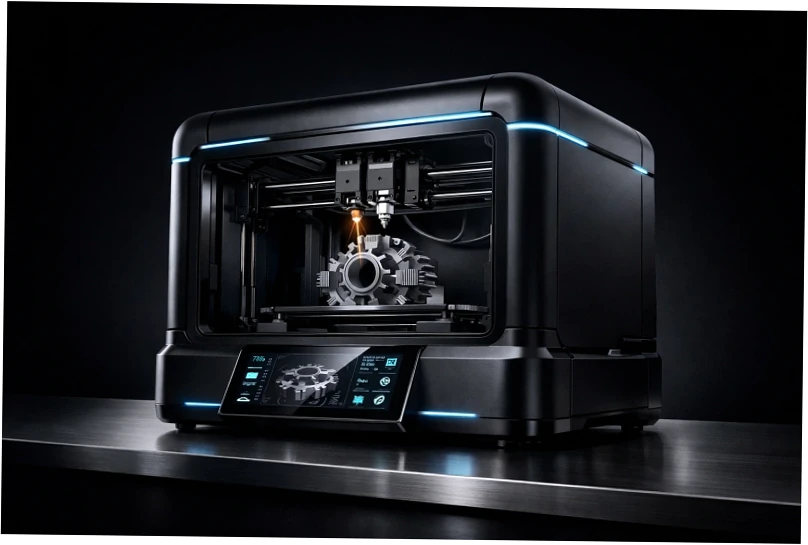
Ignore the marketing for a moment and check three numbers: usable build volume, maximum nozzle temperature, and whether the chamber is actively heated. Build volume decides what you can print in one piece, nozzle temperature decides whether ABS, ASA, or nylon are realistic, and a heated chamber decides whether tall engineering parts warp on you. Everything else is comfort and convenience.
Print head time is the hard ceiling in this hobby, not bed size. Owners running several small machines routinely finish more work per week than someone with one giant printer, because a failure on a $250 unit costs you a single job instead of your entire schedule. If throughput matters, buy two modest printers before one flagship.
Bambu Lab vs Prusa is the comparison that decides most purchases right now, and the honest answer is that they optimize for different owners. Bambu wins on out-of-box experience: unbox, run calibration, print within the hour, with a polished app and fast motion systems. Prusa wins on openness, documentation, and long-term repairability, with real customer support and upgrade paths that keep older frames working.
There is one practical detail business buyers should know. The X1E costs roughly double an X1C and prints almost identically, but adds a chamber heater and more secure networking for company environments. If you simply dislike cloud connections, LAN mode on the consumer models keeps your printer off Bambu’s servers at the cost of some remote features.
Elegoo’s Centauri Carbon earns its reputation as an unreasonable amount of machine for the money, though it is new enough that firmware quirks still surface. Qidi’s Q2 combo pairs a heated chamber with a spool system at a mid-range price, and Snapmaker’s multi-head U1 attacks filament waste directly, even if its software is not yet as polished as the big two.
| Priority | Bambu Lab | Prusa | Elegoo / Qidi / Snapmaker |
|---|---|---|---|
| Out-of-box ease | Excellent | Good (kits take longer) | Good to mixed |
| Open ecosystem | Limited | Excellent | Varies by model |
| Multi-color waste | Purge-heavy | Moderate | Low on multi-head U1 |
| Support and repair | Decent, ticket based | Excellent | Improving quickly |
| Best for | People who just want prints | Tinkerers and long-term owners | Budget-first buyers |
A $200 3D printer is genuinely worth buying, but only if you accept that you are paying with time instead of money. Proven budget bed slingers print PLA and PETG beautifully once you dial in bed leveling and a slicer profile, and the skills you pick up transfer directly to any machine you buy later. What you do not get is speed, enclosure, or forgiveness.

Between roughly $400 and $800 you enter the sweet spot, where CoreXY kinematics, automatic bed leveling, and often a multicolor system come in the box. Above $1,000 you are buying enclosure quality, chamber heating, filtration, and support, which only pays off if you print engineering materials or run jobs for paying clients. Spend the middle first and upgrade later.
| Price tier | Typical hardware | Realistic materials | Best suited to |
|---|---|---|---|
| $150 to $300 | Open-frame bed slinger, assisted leveling | PLA, PETG, TPU | First-timers learning slicers |
| $400 to $800 | Enclosed or open CoreXY, auto leveling, optional AMS | PLA, PETG, ABS with care | Hobbyists wanting speed and repeatability |
| $900 to $1,800 | Enclosed CoreXY, chamber heater options, filtration | ABS, ASA, PC, nylon blends | Semi-pro and small business |
| $3,000 and up | Industrial or multi-head systems | PEEK, continuous fiber, engineered resins | Production and regulated industries |
If your shelf is full of unpainted figures, prioritize fine detail and color switching. A 0.2mm nozzle on a modern bed slinger produces surprisingly crisp miniatures, and resin machines still win on surface finish if you will handle washing, curing, and ventilation. Multi-color systems save enormous time on cosplay armor, though single-nozzle designs purge a lot of filament between colors.
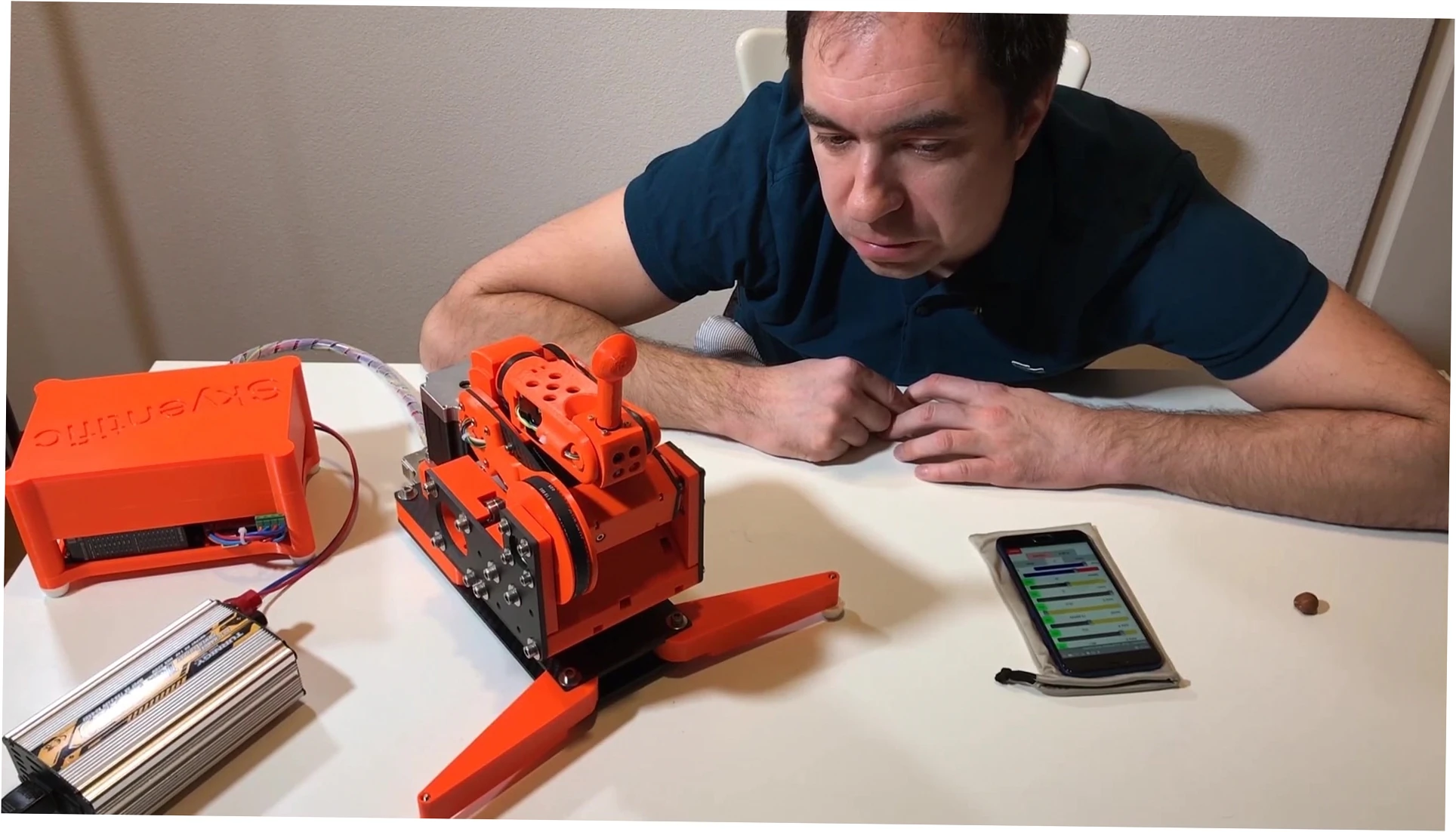
For brackets, jigs, and drone frames, the machine matters less than the polymer you feed it. Settling the PLA vs PETG vs ASA question decides heat resistance, UV stability, and impact toughness long before nozzle temperature enters the conversation, and an unheated open frame will fight you on anything that warps. Enclosure and material choice are a package deal.
Once clients pay for parts, uptime beats raw speed. You want easily sourced hotends, predictable firmware, and a spares strategy, because a weekend of downtime costs more than the printer did. Start with two identical mid-range units, standardize your slicer profiles, and only then consider scaling into a proper farm.
No desktop printer is truly maintenance-free, and anyone promising otherwise is selling something. Failed first layers, clogged nozzles, and warped corners happen on every brand, including the expensive ones. The most common self-inflicted failure I see is finger oil on the build plate: skin grease quietly destroys adhesion, and most owners blame the hardware for weeks before washing the plate with unscented dish soap.
Material adds up faster than people expect. Multi-color prints can burn hundreds of grams of purge filament per model, specialty polymers cost several times more than PLA, and a failed overnight print wastes both time and spools. Budget roughly 20 to 30% of your hardware spend for filament in year one, plus a small reserve for hotends, plates, and nozzles that wear out.
Advertised acceleration figures sell printers, but repeatability is what keeps them useful. A machine running at moderate speed with well-tuned input shaping produces better parts than one pushed to its limit, where ringing and skipped steps appear. Tune for consistency first, then raise speed until quality starts to drop, and stop there.
Owner reports and marketing sheets rarely match exactly, and that gap is worth understanding before you spend money. Across long-term reviews, community threads, and people who run these machines daily for work, the same patterns keep surfacing around setup time, waste, and support.
| Aspect | Marketing claim | What owners report |
|---|---|---|
| Setup | Prints in minutes | An afternoon of calibration and slicer tuning |
| Multi-color | Four colors, effortless | Heavy purge waste and much longer runtimes |
| Reliability | Fully automatic | Occasional clogs and adhesion issues remain |
| Open-source kits | Fully open platform | Assembly and tuning required before quality parts appear |
| Budget machines | Pro-level results | Great output after a real learning curve, not before |
| Support | Round-the-clock service | Response times vary widely by region |
Strip away brand loyalty and a few things stay true. Bambu machines are the easiest path for someone who just wants finished models, Prusa remains the safest long-term bet for tinkerers, and budget Elegoo units deliver unreasonable value if you are patient. My own conclusion on the best 3D printer overall keeps landing in the same place: choose the machine that matches your patience, not the one with the longest feature list.
Measure your space before you fall in love with a chassis. CoreXY machines need depth for the bed to travel, enclosure owners need clearance for a spool on top, and a 350mm build plate will not fit on a narrow desk. Then write down your three most important prints, your ceiling budget, and your tolerance for tuning.
Eventually volume, material requirements, or client contracts push you past hobby hardware. At that point, plastic and polymer 3D printing shifts from a desk hobby into a service and equipment conversation, with different tolerances, documentation, and quality control expectations. Knowing when to outsource a part is as valuable as knowing when to print it yourself.
If you are specifying production hardware, industrial 3D printers are a different class of machine entirely, with larger frames, certified materials, and service contracts that keep lines running. My advice stays simple: start small, learn your real constraints, and let demand pull you upward instead of buying capacity you will never use.
For a total beginner, an enclosed CoreXY machine with automatic calibration removes most of the early frustration, which is why Bambu’s entry models dominate this category. If your budget is tighter, a proven bed slinger from Elegoo or Creality will teach you more about the craft. Spend your first week learning a slicer instead of buying upgrades.
It can be, but only for low-risk products like keychains, planters, and small props where a few hours of machine time is acceptable. Once clients expect deadlines, a single budget printer becomes a liability, and most owners add a second unit or a faster enclosed machine within a year. Treat the cheap printer as tuition, not as a production floor.
Frames last for years, but the parts that touch filament do not. Nozzles, PTFE tubes, belts, and build plates are consumables, and a well-maintained Prusa MK3 from 2017 can still be running today with occasional replacements. Budget for a hotend and a couple of plates annually if you print regularly.
Practically speaking, yes. ABS and ASA shrink as they cool, so moving air and cold room temperatures cause warping and layer cracking on open frames. An enclosure keeps the chamber warm and stable, which is exactly why engineering users pay for it. Some owners build acrylic enclosures around budget printers with decent results, though fume filtration still matters.
For fine detail, yes. Resin still wins on surface finish and tiny features. What it costs you is a workflow: washing, curing, gloves, ventilation, and brittle parts until you learn the material. FDM with a 0.2mm nozzle gets close enough for tabletop play at 28mm scale, which is why many painters keep both on the same bench.
Casual printing runs about one to two spools per month, so plan on $25 to $60 for PLA or PETG. Multi-color owners should expect noticeably more, because purge waste can consume hundreds of grams per large model. Add roughly 10% of your printer’s price per year for spares, and always keep one spare nozzle and plate on hand.
Not natively, but increasingly close. You can add a multi-material unit to many popular bed slingers, and newer multi-head designs like Snapmaker’s U1 cut the purge waste that plagues single-nozzle systems. The trade-off is software maturity and setup time. If multi-color is your main reason to buy, expect to pay mid-range prices rather than entry-level ones.