Get Marketing Insights First
Subscribe to receive actionable strategies, growth tips, and industry insights delivered straight to your inbox.

After three years of running eight machines in my garage shop, my blunt answer to what is the best 3D printer for beginners is the Bambu Lab A1 — around $300, assembled in fifteen minutes, producing acceptable parts within the hour. The Elegoo Centauri Carbon 2 is the value pick that keeps tempting me away from it, and later I will show exactly when it wins. That conclusion echoes my wider breakdown of what is the best 3D printer: match the machine to the person, never to the spec sheet.
Beginner-friendly is a measurable claim rather than a feeling, and it splits into three checkable traits: automatic bed leveling you never think about, a textured plate that grips without glue, and a slicer profile that already works before you customize anything. A machine demanding firmware compilation before your first Benchy fails that test outright. I have watched newcomers abandon the hobby over exactly that kind of avoidable friction.
My shortlist stays deliberately short: the A1 for people who want prints this weekend, the Centauri Carbon 2 for anyone squeezing maximum value from every dollar, and the Flashforge Adventurer 5M for buyers who want speed and openness in the same box. Everything else on the shelf either costs meaningfully more or asks meaningfully more of you.
Print quality has largely converged, which surprises people who last shopped in 2019. A $250 printer today beats a $900 machine from five years ago on dimensional accuracy, surface finish, and print speed. What has not converged is everything around the hardware: unboxing time, first-layer reliability, error messaging, spare-part availability, and whether the manufacturer’s software actually respects your time.
Pay attention to how a machine behaves after a failed print. Machines that pause, report a clear cause, and resume cleanly save hours. Machines that jam silently and grind filament into the hotend turn a Saturday afternoon into a parts order. That single behavioral difference matters more to a newcomer than another hundred millimeters per second of claimed acceleration.
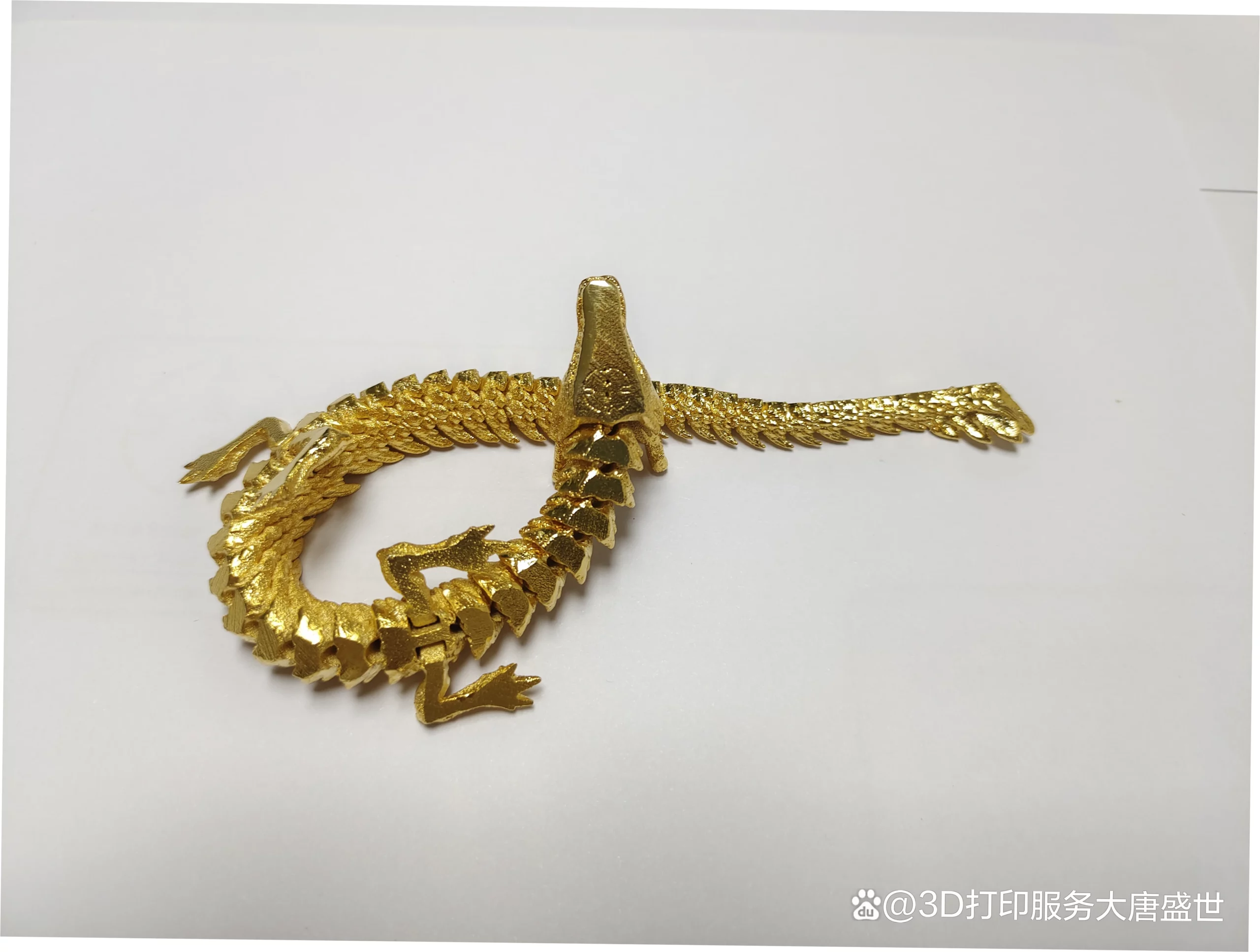
Almost every beginner printer belongs to one of three mechanical families, and the family shapes your daily experience more than the brand badge does. Bed slingers move the part while the toolhead sweeps across it, open Core-XY machines move the toolhead in both axes on a rigid frame, and enclosed Core-XY designs add a chamber that holds heat and keeps fingers, fur, and fumes away from moving parts.
| Mechanical Style | Typical Price | Key Strengths | Watch Out For | Best Fit |
|---|---|---|---|---|
| Bed slinger (Bambu Lab A1) | $250–400 | Excellent quality per dollar, simple repairs, enormous profile libraries | Tall prints can wobble; footprint shifts while printing | First-timers who want prints this weekend |
| Open Core-XY (Flashforge Adventurer 5M) | $230–350 | Fast motion, compact frame, easy physical access | No enclosure, louder, filament swaps take longer | Space-limited buyers who value speed |
| Enclosed Core-XY (Elegoo Centauri Carbon 2) | $300–700 | ABS and ASA capable, quieter, safer around pets and children | Heavier, tighter access, higher entry price | Owners printing functional or engineering parts |
If you print in a shared living space, weigh the enclosure column seriously. My own rule is simple: any machine within two meters of a sofa should be enclosed, because vibration, noise, and hot-end access all become household problems rather than technical ones.
Spec sheets rank power; newcomers need predictability. The endless argument over which 3D printer is best rarely changes the answer for a first machine, because raw speed and exotic material support only start paying off once you can reliably print a simple bracket. Reliability first, capability second, and everything else a distant third.
Comparison shopping for a first printer usually derails on numbers that will not change your weekends. Top speed, acceleration, and maximum nozzle temperature matter, but only in combination with how much of the machine you must personally manage. I compare four things instead: setup time, slice-to-print consistency, noise measured in a real room, and how diagnosable the first failure turns out to be.
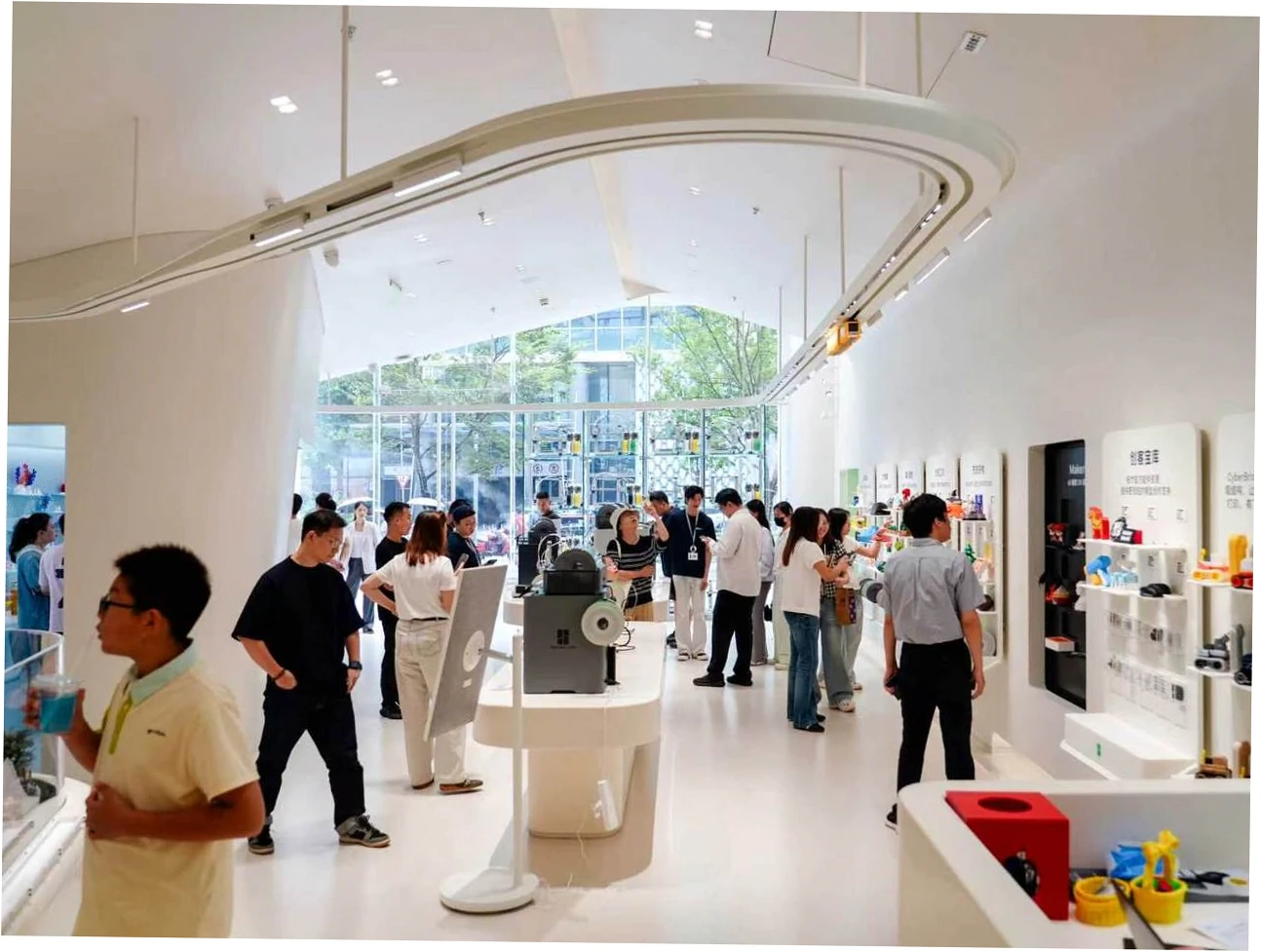
These two dominate every beginner conversation I have, and they are genuinely close. The A1 is a bed slinger with the most polished software stack in the hobby; the Centauri Carbon 2 is an enclosed Core-XY that costs roughly the same, prints faster on paper, and handles ABS without a chamber upgrade. Owners of each report similar satisfaction, which tells you the decision hinges on enclosure, ecosystem, and appetite for restrictions.
| Printer | Marketing Claim | What Owners Report | Best For |
|---|---|---|---|
| Bambu Lab A1 | Effortless, fully guided plug-and-play | Genuinely close to that promise; multicolor wastes filament and time, and closed firmware divides opinion | Beginners who want the least friction |
| Elegoo Centauri Carbon 2 | Best performance per dollar under $500 | Fast and accurate for the money; interface and support feel less refined | Value hunters who want an enclosure |
| Flashforge Adventurer 5M | Fast Core-XY at an entry price | Quality within a hair of the A1; manual filament changes are a process | Tinkerers who prefer open hardware |
| Prusa Mini / MK4 | Reliability and repairability above all | Unmatched documentation and parts longevity; price is steep against faster rivals | Learners planning a five-year machine |
| Creality Ender 3 series | The classic budget workhorse | Quality arrives only after long calibration and upgrades; often becomes the hobby itself | Hobbyists who want to learn the hardware |
Read that comparison honestly and one pattern emerges: every machine listed prints well now. The real differentiators are software polish, enclosure, support responsiveness, and how comfortable you feel living inside a closed ecosystem that decides which firmware and accessories you may use.
Mechanically, a bed slinger drags the part back and forth, so tall thin models wobble and benefit from slower speeds. A Core-XY keeps the part stationary, which helps tall geometry and makes enclosing the machine straightforward. The trade-offs are noise, vibration transferred into desks, and access — enclosed chambers are simply harder to reach into when something jams mid-print.
Households with cats or ferrets tend to land on enclosed machines for reasons unrelated to material choice. Pet hair and paws near a hotend running above 200 °C is a genuine safety argument, and it is one of the few beginner decisions I consider settled in advance rather than debated.
Below $300 you get modern print quality with basic interfaces. Between $400 and $800 you buy an enclosure, a chamber heater, quieter motion, and better support. Above $1,000 you are buying volume, multicolor capability, and engineering materials — not better single-color surface finish. The title of best 3D printer on the market changes hands yearly, but the shortlist for a genuine first-timer barely moves.
Almost nobody regrets their first printer because of print quality. They regret the hours — the calibration loops, the abandoned upgrades, the filament spent chasing a setting they did not understand yet. Understanding those failure modes before you spend money is the cheapest upgrade available, and it costs nothing but reading time.
The most common origin story I encounter runs like this: a $200 kit bought as a first printer, followed by months of leveling, belt tensioning, and part swaps before it finally matched what a modern $250 machine does straight from the box. The owner learned a great deal and enjoyed very little of it. That path is perfect for some people and hobby-ending for most.
The trap is not the kit itself; it is the mismatch between expectations and reality. If tightening eccentric nuts sounds like a pleasant evening, buy the kit and enjoy every minute. If you want a bracket printed by Thursday, buy something assembled, calibrated, and supported, then learn the machinery later once you genuinely care.
Closed ecosystems are honestly easier. Profiles, cloud queues, auto-refill, and remote monitoring arrive configured, and the first print usually succeeds. They also restrict which firmware you run and which third-party parts you fit, and that restriction frustrates exactly the kind of owner who wants to modify hardware on a weekend.
Prusa deserves specific credit here. Owners consistently report unrivaled documentation, long spare-part availability, and easy repairability, and the price premium buys that reliability rather than peak speed. Machines that outperform it on benchmarks often cannot match it on a five-year parts supply, which matters more than most reviews admit.
PLA remains the best filament for beginners — forgiving, inexpensive, dimensionally stable, and low odor. PETG adds toughness along with stringing. ABS and ASA warp without a heated chamber and release fumes that belong in a ventilated space, never a bedroom. If those materials are your plan, buy an enclosed machine with an active heater from day one.
| Pitfall | Why It Happens | How to Avoid It |
|---|---|---|
| Buying a kit purely to save money | Kits trade cash for calibration hours nobody counts | Buy assembled unless building hardware is the actual goal |
| Jumping into multicolor immediately | Marketing presents color as the headline beginner feature | Print fifty single-color objects first, then consider an AMS |
| Printing ABS on an open frame | Warping and fumes follow from an uncontrolled chamber | Stay with PLA or PETG until you own an enclosed, heated machine |
| Ignoring noise and placement | Fast motion transfers vibration into desks and floors | Plan a stable surface away from bedrooms and shared walls |
| Skipping spares and filament storage | Failures always arrive mid-project, never between projects | Keep a nozzle, plate, hotend, and sealed filament on hand |
Before the money moves, I run every candidate machine through the same checklist, and most of it has nothing to do with the specification sheet. It is about whether the machine fits your workspace, your patience, and the support you can realistically reach on a Tuesday evening when a print fails and a deadline looms.
I keep a stubborn one-page list of what to look for whenever my own money is involved: build volume against my actual parts, nozzle and hotend availability, whether the bed reaches 100 °C, real-world noise, and firmware policy. Ten minutes with that list has already saved me from two purchases I would have regretted within a month.
Slicer quality decides how much of your time goes into preparation versus printing. Mature profiles, sane defaults, and a maintained profile library matter more than a pretty interface. Owners of otherwise excellent machines frequently complain about companion apps, remote monitoring reliability, and firmware quirks, so test the software ecosystem before you commit money to the hardware.
Assume you will replace a nozzle, a build plate, and possibly an entire hotend within eighteen months of regular use. Budgeting $40 for replacement parts and accessories up front prevents a two-week shipping delay from stalling a project. Machines with broad aftermarket support stay useful years longer than machines locked behind proprietary connectors.
The right first printer depends less on budget than on temperament. I have recommended four different machines to four friends in the same month, and each recommendation hinged on how they wanted to spend their evenings rather than on what their bank account allowed. Person first, product second.
Buy the A1 or the Centauri Carbon 2, use the manufacturer’s filament profiles, and do not modify anything for six months. This group reports the highest satisfaction per dollar and the lowest tolerance for advice starting with the words ‘first, calibrate your e-steps.’ Their printer is an appliance, and appliances should behave like appliances rather than ongoing research projects.
Engineers and product designers need repeatability, not peak speed. A machine holding ±0.1 mm across a week of unattended jobs beats one that prints 30% faster and fails twice as often. If a part is genuinely a one-off, sending the file to a plastic and polymer 3D printing provider usually costs far less than owning hardware at all.
Buy a kit, accept the calibration curve, and keep a logbook of every change you make. That path rewards curiosity with genuine mechanical understanding that no assembled machine can teach. When friends ask me what 3D printer to buy for a teenager who loves taking things apart, I deliberately point them toward kits, because there the machine itself is the lesson.
Most beginner printers fail socially long before they fail mechanically. The machine works fine, but nobody feeds it anything worth printing. The reliable fix is a standing ritual rather than a burst of enthusiasm: print one useful object a week, keep a shared folder of things the household actually needs, and treat the printer as a patient tool instead of a magic box.
Maintenance stays trivial if you schedule it. Wipe the plate with warm water and dish soap weekly, check belt tension monthly, inspect the nozzle and hotend fan every few months, and store filament sealed with desiccant. Add a simple log of material, temperature, and failures, and you will diagnose in minutes problems that otherwise consume entire evenings.
The most valuable habit is narrow: change one variable at a time. New filament, new profile, and a new nozzle height simultaneously creates an unsolvable puzzle, and puzzles are what make people quit. Do that honestly and your first printer stops being a beginner’s machine at all; it simply becomes your machine.
No, but expectations decide the outcome. A $250 assembled machine prints beautifully and asks almost nothing of you; a $180 kit reaches the same quality only after hours of calibration. Cheap is fine. Unassembled and unsupported is the variable that turns cheap into expensive, because frustration has a cost that never appears on the receipt.
Choose the A1 if you want the most polished software, the easiest filament handling, and the largest tutorial library online. Choose the Centauri Carbon 2 if you want an enclosure, faster motion, and slightly better value per dollar. Both print well enough that the difference will not show on a benchy, a bracket, or a phone stand.
Only if you plan to print ABS, ASA, or nylon, or if pets and small children share the room. For PLA and PETG, an open frame loads more easily, cleans faster, and costs less to repair. Buying an enclosure you never use simply adds weight, expense, and one more panel to remove whenever something jams.
Usually not at first. Auto-refill is genuinely handy for long overnight prints, but multicolor purging wastes filament, roughly doubles print time, and introduces several new failure points into a system you are still learning. Most owners I speak with enjoy the feature far more as a second-phase upgrade than as a first-week purchase.
Budget the machine plus roughly $80 to $150 for a spare nozzle, a second build plate, filament, sealed storage with desiccant, and basic hand tools. Multicolor systems add $150 and up while consuming extra filament as purge waste. Refurbished units can cut entry costs significantly, provided the return policy and spare-part stock are solid.
Expect a nozzle inspection around 200 to 300 printing hours and a plate replacement whenever adhesion drops sharply. Belts, wheels, and fans typically last well past a year in typical home use. Keeping a spare hotend assembly on the shelf converts a weekend-ending failure into a twenty-minute repair, which is exactly why I recommend it.
Only if building hardware is the hobby you actually want. Kits teach tolerance stacking, belt tension, and wiring, and they reward patience with real skill you keep. If your goal is finished objects rather than mechanical understanding, pre-assembled wins every time, and you can still disassemble something later when curiosity finally arrives.